Reading Time: < 1 minute
Clean & Manage Your Canva Uploads
All Levels, Foundational, Working Knowledge
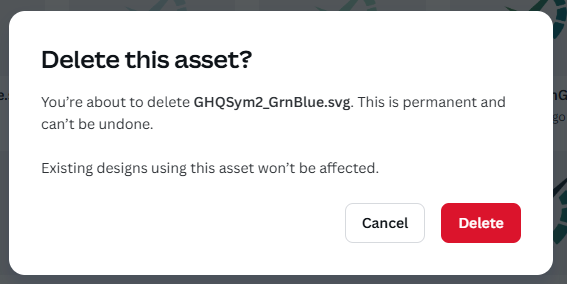
It's considered safe to delete uploads you no longer need. The uploaded graphic will remain in the project you've used it in. Also, name your files accurately so they are searchable in your uploads. Better yet, use upload folders to keep them tied to a specific project.
When you work on many different projects and don’t upload files to a specific folder, your Canva uploads and finding things among them get pretty chaotic. I delete assets I’m not using. I read that you can delete an upload once you’ve uploaded it because if it’s *in* a design, you can safely delete it. Doing this once a month or during less busy times can make it easier to find the exact graphic you’re looking for. Also, naming. Name your upload files in a way that’s searchable.
I’ve noticed that if I have a Pro subscription and then pause it, the quality of some of my previous uploads is degraded. My theory is, they compress them so much that they become pixelated.
What’s Hip
Graphic Design
Web Development
Marketing
Related Posts
Exporting Files from Canva
Keep yourself sane! Use naming conventions and export Canva files in the same way every time to keep them organized.
Learn About Aspect Ratios
If you are creating anything for social media or even presentations, you need to understand what it is. Social media platforms have different post sizes and recommended pixel sizes. Think…